We put together this FAQ page so you can find clear answers to the questions that come up most often — from how to fund your account with bKash or Nagad, to how withdrawals are handled and where to reach og777 support.
This page covers the questions that come in most often from our account holders in Bangladesh. Rather than sending you through live chat for every routine question, we have written answers that reflect how the platform actually works — the deposit flow via bKash, Nagad or Rocket, what happens after a withdrawal request is submitted, how your account wallet is structured, and what the support team can help you with directly.
bKash
Nagad
Rocket
Account Wallet
Transaction Records
PLATFORM AT A GLANCE
What the Account Dashboard Shows You
The figures below reflect structural facts about how the platform is set up — the game categories available in the lobby, the payment rails configured for Bangladesh, the language the interface runs in, and the device types the platform renders on. None of these are estimates; they are the routes and categories visible once you open your account.
Game categories in lobby: slots, live casino, table games, crash games
4
Configured local payment rails: bKash, Nagad, Rocket
3
Interface language: English for Bangladesh
1
Supported device types: mobile browser and desktop browser
2
REACH THE TEAM
Support Routes We Actually Publish
If the FAQ does not cover what you need, there are direct routes to the support team. We only list the channels that are visible and active on the site — no invented lines, no operating hours we cannot back. Use the route that suits you and have your account details ready so the team can pull up your record straight away.
Live Chat
The live chat widget is visible once you are signed in. Open it from any page inside your account. Keep your registered wallet number handy — the agent will use it to locate your deposit or withdrawal record quickly.
Email Support
For detailed questions — such as a disputed transaction or an account verification issue — email is the right route. Write from the email address registered to your account so the team can match your message to your record without extra steps.
Account Help Centre
The help section inside your signed-in account covers common account tasks: updating your wallet number, reviewing your deposit history, and checking the status of a withdrawal. Start there before contacting live chat for routine items.
WHY ANSWERS HOLD UP
How We Keep These FAQ Answers Accurate
Every answer on this page reflects the current configuration of the platform — the payment rails that are live, the account steps that are active, and the support routes that are published. We do not pad answers with claims we cannot verify, and we update this page when a process changes rather than leaving outdated instructions in place.
Written Against the Live Account
Each answer is drafted by cross-checking the actual account flow — deposit screens, withdrawal forms, wallet verification steps — so the instructions match what you see in the interface, not a generic template.
Payment Routes Confirmed First
Before any payment answer goes on this page, we confirm the route is active in the Bangladesh configuration. bKash, Nagad and Rocket answers reflect how those wallets work inside the deposit and withdrawal flow right now.
No Invented Figures
We do not publish processing times, limits or percentages we cannot stand behind. Where a figure depends on your account tier or the wallet you use, we direct you to the relevant screen in your account rather than printing a number here.
Support Routes Verified
The live chat and email routes listed on this page are the channels visible on the site right now. We do not list channels that are not active, and we do not publish support hours we have not confirmed.
DEPOSIT ROUTE DIFFERENCES
bKash, Nagad and Rocket: How Each Route Behaves
The three local payment rails behave slightly differently inside the deposit and withdrawal flow. Understanding those differences helps you pick the right route for a given situation — and helps you understand the FAQ answers that reference each one specifically.
bKash
bKash is the primary route for most account holders in Bangladesh. The deposit form asks for your bKash number and shows the merchant number to send to. Your transaction reference from the bKash app is what the system uses to confirm the transfer.
Nagad
Nagad works the same way structurally — enter your Nagad number, send to the displayed merchant number, then submit the reference. It functions as a ready alternative when the bKash route is slower at peak times.
Rocket
Rocket is the third configured route and keeps the deposit path open when the other two are under load. The form layout is the same; what changes is the merchant number displayed, which is specific to the Rocket rail.
Withdrawal Route Match
Withdrawals are returned to the same wallet type used for your deposit. If you deposited via bKash, the withdrawal goes back to bKash. The account dashboard shows the wallet linked to your last confirmed transaction for reference.
WHAT SETS THE LOBBY APART
Four Things Worth Knowing About the og777 Lobby
Beyond payments, the FAQ touches on the game categories and navigation points that come up in questions about the account. These are the features that account holders ask about most — not marketing claims, but the functional elements that shape how you move through the platform.
Cricket-Led Sportsbook
The sportsbook foregrounds cricket — IPL, BPL and international matches sit at the top of the sports section. Football Halftime Bet and other markets are alongside, but cricket categories are the ones our account holders navigate to most.
Crash Games Section
Comilla Speed Crash and similar titles are grouped in a dedicated crash games section inside the lobby. The FAQ covers how stakes and round history are visible in your account — check the game session log for round-by-round records.
Live Casino Tables
Baccarat Live Table and Dealer 24x7 Live are the live casino titles most commonly asked about in support questions. Both run in the browser on mobile without a separate download; the FAQ covers the connection steps for low-bandwidth situations.
Slots from Assigned Studios
Barind Star Slots and other titles come from the studios the platform carries: Bigtime Gaming, Joker, PG Soft, CQ9 and Habanero. RTP figures are shown only where the studio exposes them in the game interface itself — not estimated by us.
COMMON ACCOUNT QUESTIONS
FAQ: Answers to What You Are Asking
These are the questions that come through most often — covering deposits, withdrawals, account access and support. Each answer reflects the current platform setup. If you need clarification beyond what is here, open a live chat from your signed-in account and quote your transaction reference.
How do I deposit using bKash?
Open the deposit page inside your account, select bKash, and enter your bKash number. The form shows the merchant number to send to. Complete the transfer in your bKash app, then enter the transaction reference back in the deposit form and submit. Keep the reference — it is your proof if you need to follow up with support.
Can I use Nagad instead of bKash for deposits?
Yes. Nagad is a fully configured deposit route. The steps are the same: select Nagad on the deposit page, send to the merchant number shown, then submit your transaction reference. It is worth keeping Nagad as a ready alternative when the bKash route is slower during peak hours.
How long does a withdrawal take to reach my wallet?
We do not publish a fixed time because it depends on which wallet you use and when the request is submitted. Check the withdrawal status inside your account under transaction history — the status field updates as the request moves through review. If the status has not changed after the time shown in your account, contact live chat with your reference number.
My deposit shows as pending. What do I do?
A pending status usually means the transaction reference has not been matched yet. Go to your deposit history, find the pending entry, and confirm the reference number matches exactly what the bKash, Nagad or Rocket app showed you. If it does not match, contact support via live chat and provide both references — the one you entered and the one from your wallet app.
Can I change the wallet linked to my account?
Wallet changes go through account verification. Open the account settings page, find the wallet section, and follow the verification instructions shown there. The system will ask you to confirm ownership of the new wallet before it updates the record. Do not try to withdraw to a different wallet without completing this step first.
Where can I see my full deposit and withdrawal history?
Your complete transaction history is inside the account dashboard under the transactions or history tab. Each entry shows the payment method used, the reference number, the amount, the date and the status. This is the record the support team uses when you raise a query, so it is worth checking there first before opening a chat.
Is the platform available on mobile without downloading an app?
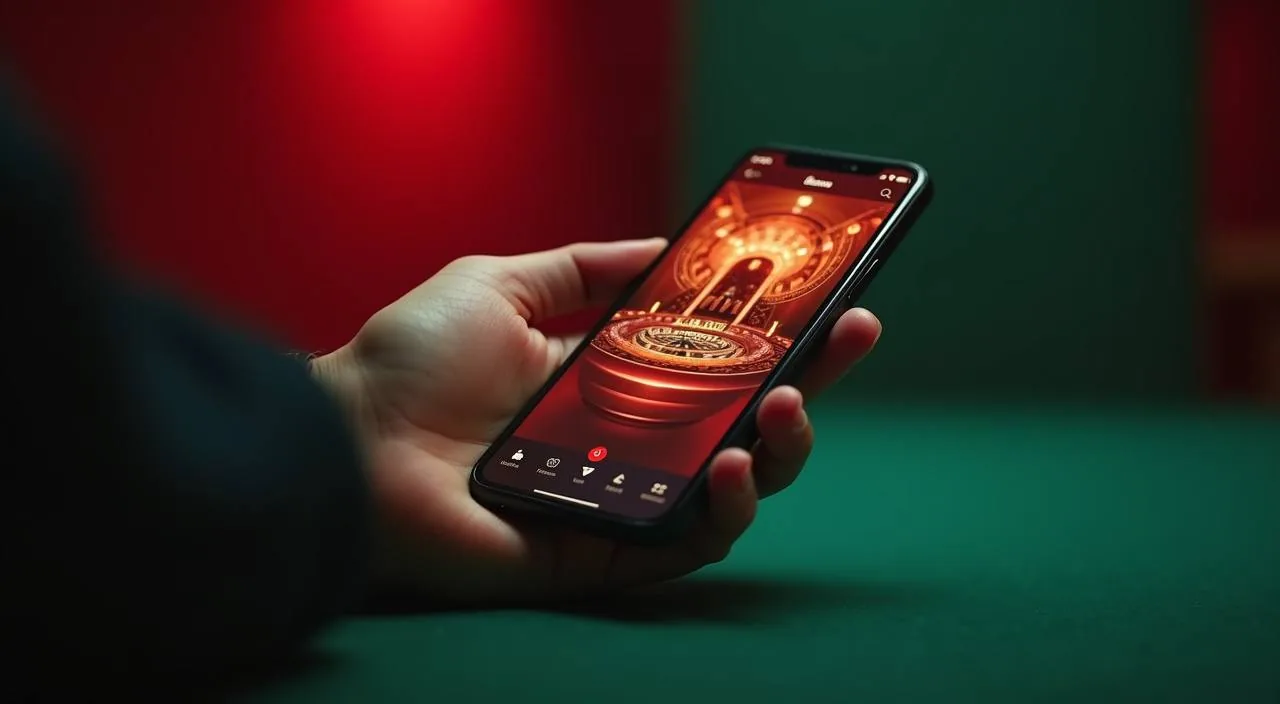
The platform runs in your mobile browser without a separate download. Open og777 in Chrome or your phone's default browser, log in, and the full account — including deposit, lobby and transaction history — is accessible from there. No install is required for either Android or iOS browsers.
 App / Mobile